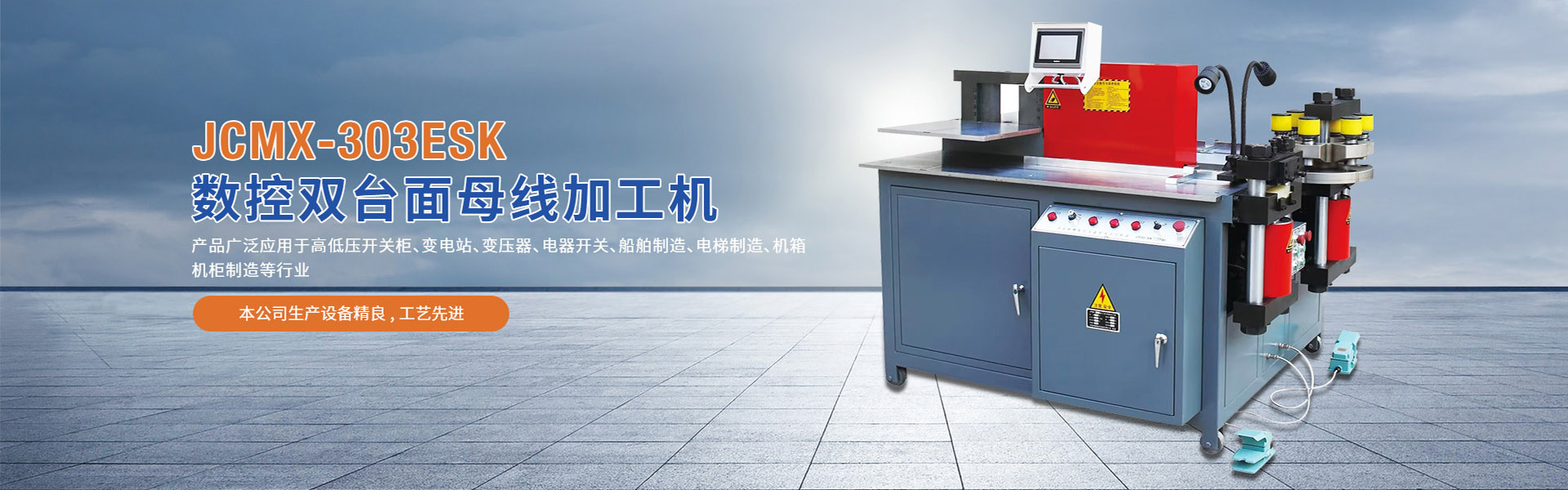

If you're using a CNC busbar bending machine and encountering unsolvable issues, try restarting the machine. Just like a computer locks up and must be shut down to resolve the problem, sometimes you need to "restart" your bending machine. Turn off the power to the entire machine (not just the control unit), let it remain off for 30 seconds to deplete power from all circuits, and then restart the brake. This is not a common issue, but it's a simple fix for the machine, so it's one of the first things to check before calling a repair technician.
For the CNC bus bending machine experiencing issues when running the new program, the basic troubleshooting technique is to try the machine with the old program. We know some operators decide the equipment must be faulty when a new program suddenly fails to work properly, whereas it ran well with a different program the day before. If you encounter this situation, please revert to the known effective program and check its performance before calling our Jingchuang CNC technical staff. If it operates normally, it's likely you introduced an issue while creating the new program. You need to go back and carefully review what you've done or delete it and start over. This is a very common issue as we all make mistakes.
As more and more bending machines come equipped with touch screen controls, the cleanliness of the screen can impact the performance of the controls. We've found that many operators believe their screens have issues and that recalibrating and cleaning them when they get dirty resolves the problem. Natural oils from our fingers can soil hands when loading the panel processing machine, leaving a film under their control. You can regularly clean the touch screen with soft cloths like ultra-fine fiber towels to avoid any issues.