
 Equipment asset allocation, disposal, sale, and upgrade改造
 Overall Equipment Effectiveness (OEE)
 Equipment Statistics, Data Analysis, Efficiency Enhancement
 Equipment procurement, inspection, supplier management
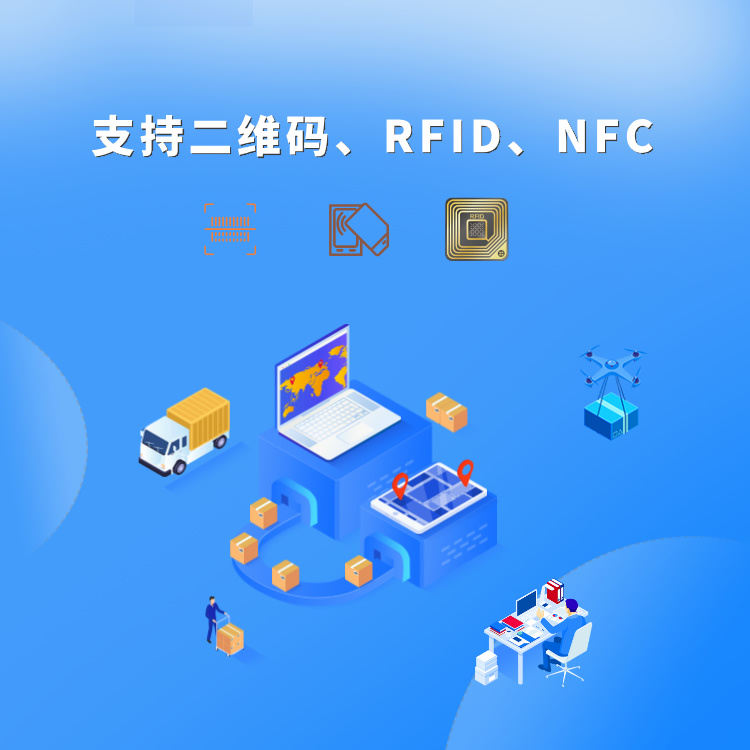 One-Item-One-Code Scanning Repair Management System Software
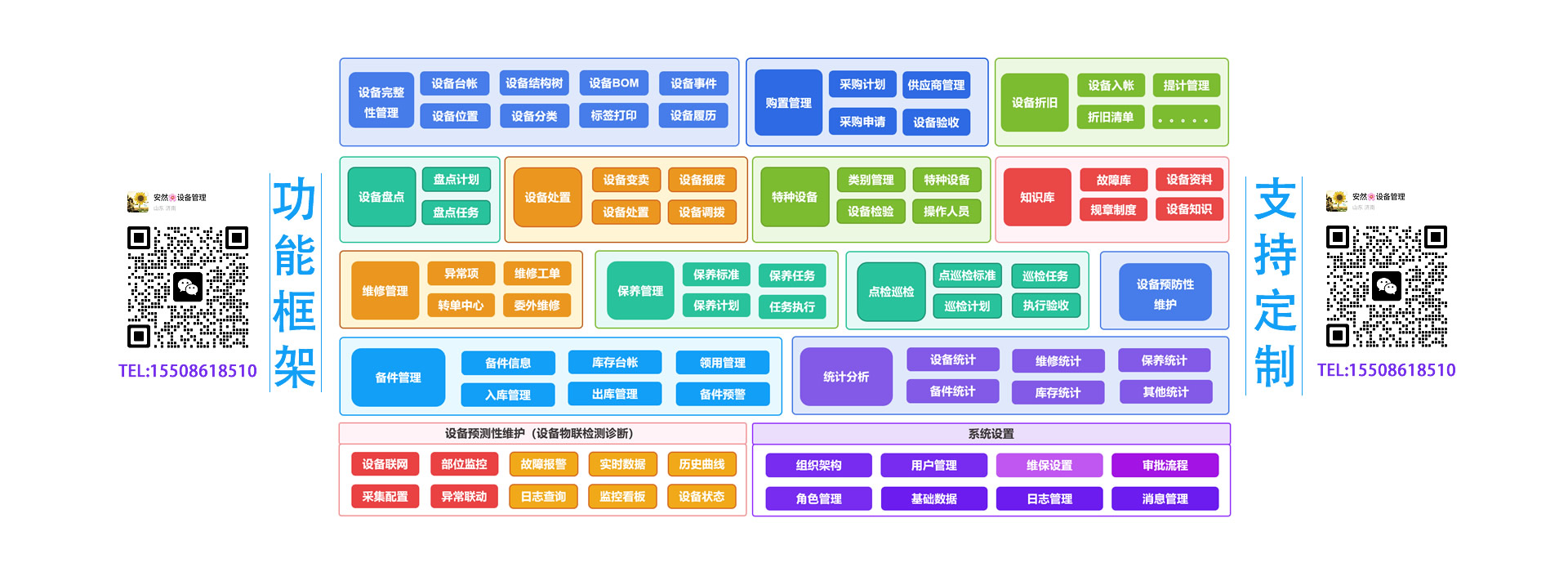
 Equipment Assets, Equipment Inventory Management
Product Details




产品Price Negotiable
最小起订Quantity:1 Set 供货总Quantity:


Operation and Maintenance Method |
|
Operating System |
Supports Android, Apple, and HarmonyOS |
Supportable Devices |
Mobile phones, computers, tablets, mobile PDAs, patrol meters, etc. |
Support Platforms |
DingTalk, WeChat Work, Feishu |
Domestic-made |
Domestic software, independently controllable, meets the requirements of information creation |
System Features |
Supports domestic operating systems such as Kylin and UnitedOS, as well as domestic databases like Dameng and Gauss. |
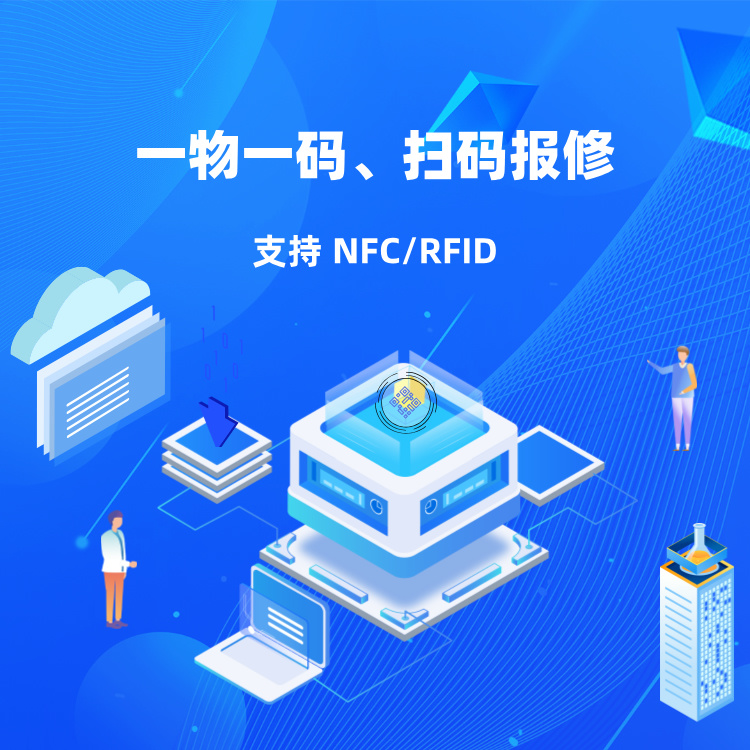
One code per item, scan to report repair Each piece of equipment is equipped with a unique QR code or NFC/RFID tag. Field personnel can simply scan the code directly with their phone or PDA, take a photo, and upload it to complete the repair request—quick, convenient, and clear at a glance. Repair content includes on-site images, enabling technicians to instantly understand the equipment situation at the site, ensuring comprehensive grasp and rapid action. Truly making equipment management simpler! Each item has its unique QR code, with every device having a distinct identity QR code. Scan the code to submit fault information Select a similar fault from the knowledge base to automatically generate a description. If the equipment has existing work orders, prompt the user When users encounter equipment failures, they can scan a QR code on their phone to submit a repair request form. The system automatically sends a notification to the maintenance service staff, who will then prioritize and reach the site as soon as possible to perform repairs without any manual intervention, significantly reducing time and communication costs. Service staff can update the processing status in real-time during repairs, ensuring timely service and process transparency. After completion, service staff can fill out and submit return information directly on their phone, enhancing service efficiency. Maintenance/Inspection tasks automatically generated on a cyclical basis Scan for repair reporting, and the system will automatically create a maintenance work order. Work order includes equipment information, fault description, repair personnel, and repair time. Task Assignment: Manual Assignment, Automatic Assignment by System, Order Grabbing Mode Real-time Order Status Tracking Task order management is one of the core functionalities in the equipment management system, designed to effectively organize and manage the repair process of equipment. It encompasses the entire process from fault reporting to the allocation, execution, and documentation of repair tasks. Through the Task Order feature, companies can achieve standardized and transparent equipment maintenance processes. Additionally, this feature aids in enhancing maintenance response speed, reducing downtime, thereby optimizing equipment availability and production efficiency. Task Allocation Rules: Assigned to individuals, manually assigned by managers, automatically distributed by the system, and bidding mode Task Assignment Notification: App Notification, SMS Notification, In-system Short Message Task Acceptance and Order Transfer: If a repair technician is unable to handle the task at the moment, it can be transferred to someone else. Task Priority: The task order displays the priority, and maintenance personnel arrange their work based on this priority. Real-time tracking of task order status The aforementioned function equipment management system can allocate maintenance tasks rationally, ensuring that faults are resolved promptly, thereby reducing downtime and enhancing equipment availability and productivity. This feature not only speeds up maintenance response but also aids in optimizing the use of maintenance resources, bringing tangible economic benefits to the company. Task Details View: View equipment information, fault description, and repair suggestions Equipment Information Retrieval: Model, Maintenance History, Knowledge Base Information Big Data Support: The system automatically suggests maintenance plans based on the content of the knowledge base. Operation Instructions: Manual, Rule Library, Standard Library, etc. Replacement Parts: System automatically links part information; simply select to apply. 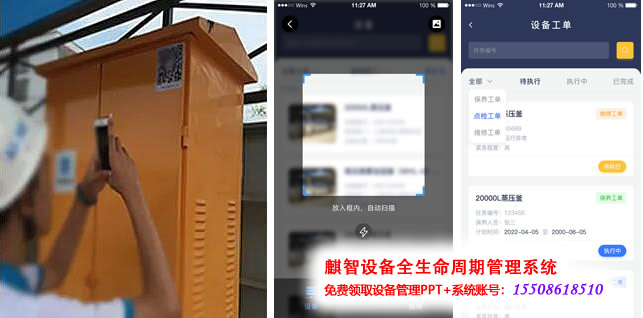
Scan for repair service

Work Order Management

Task Assignment

Task Execution


Phone Consultation