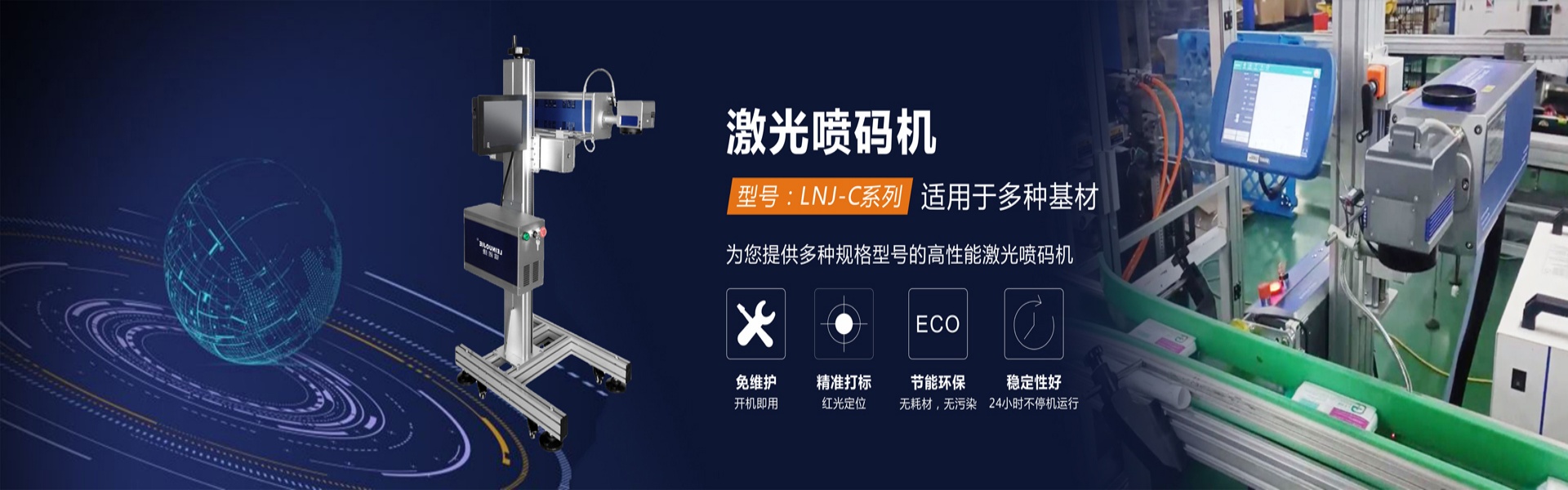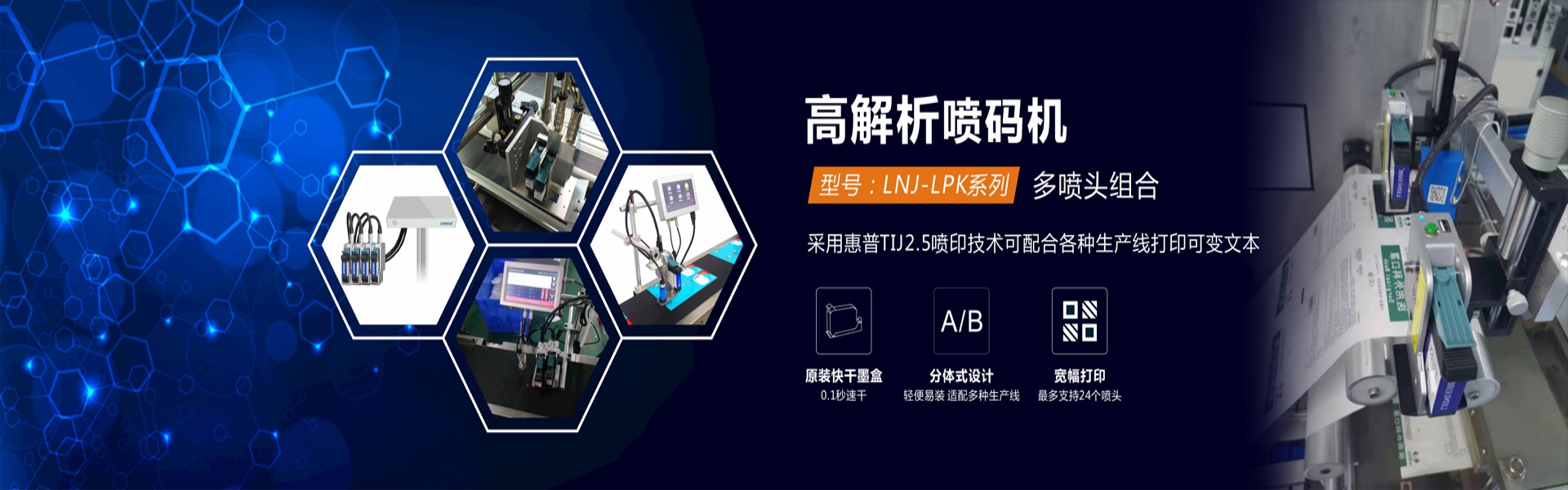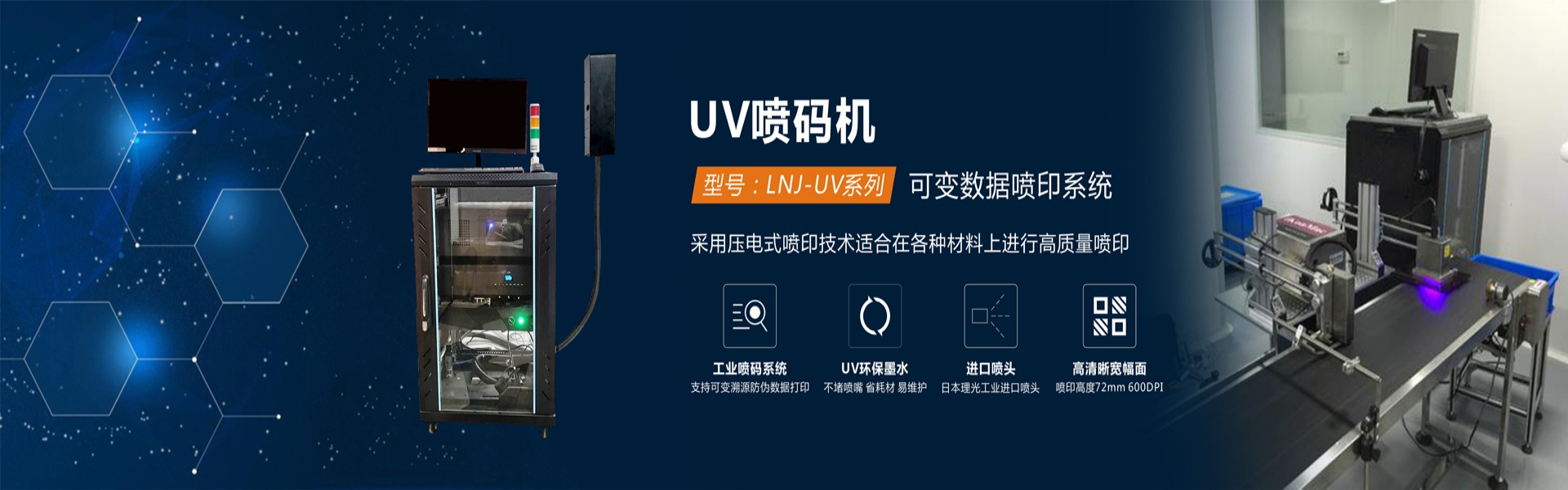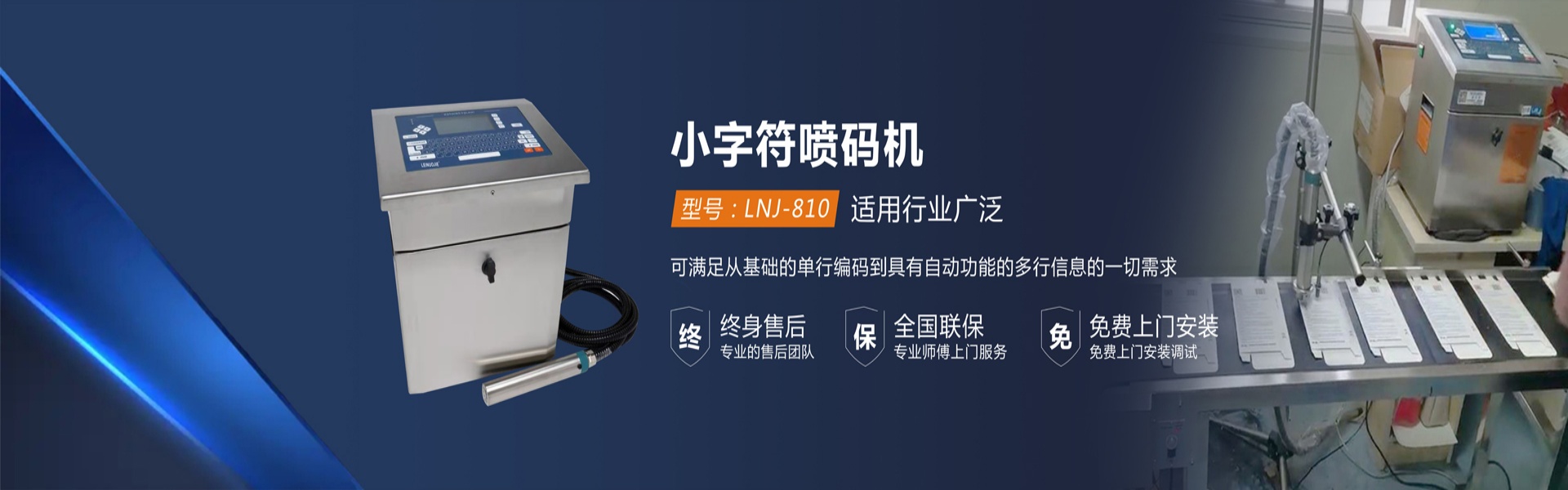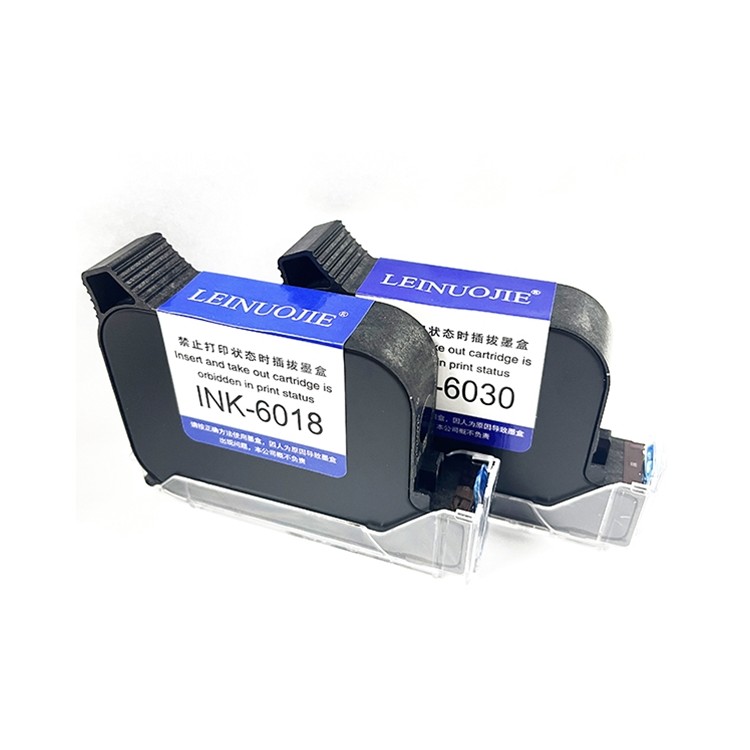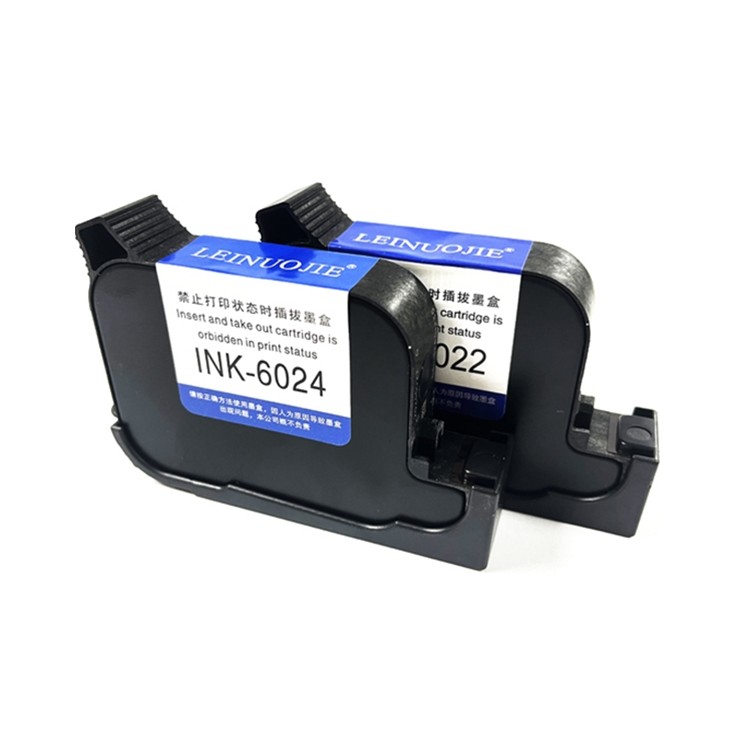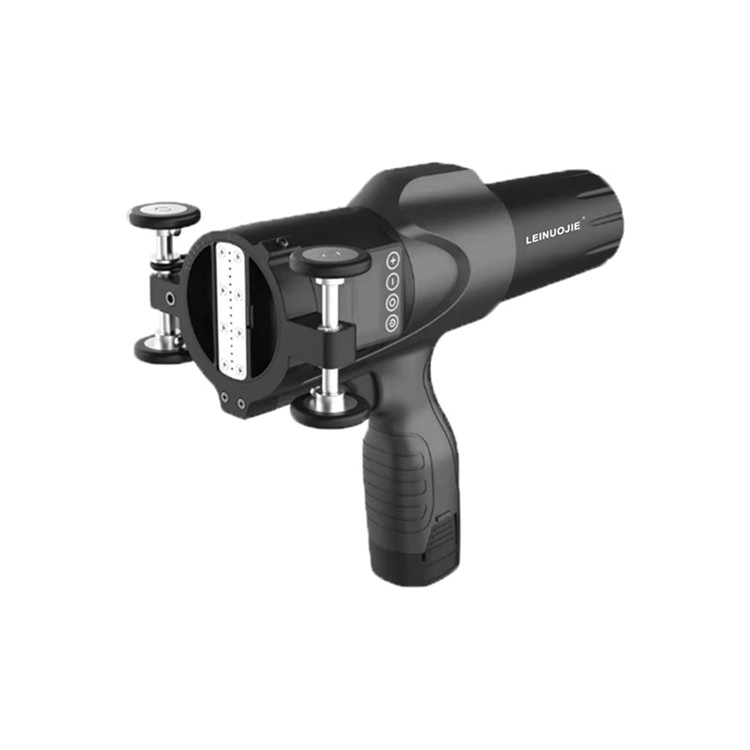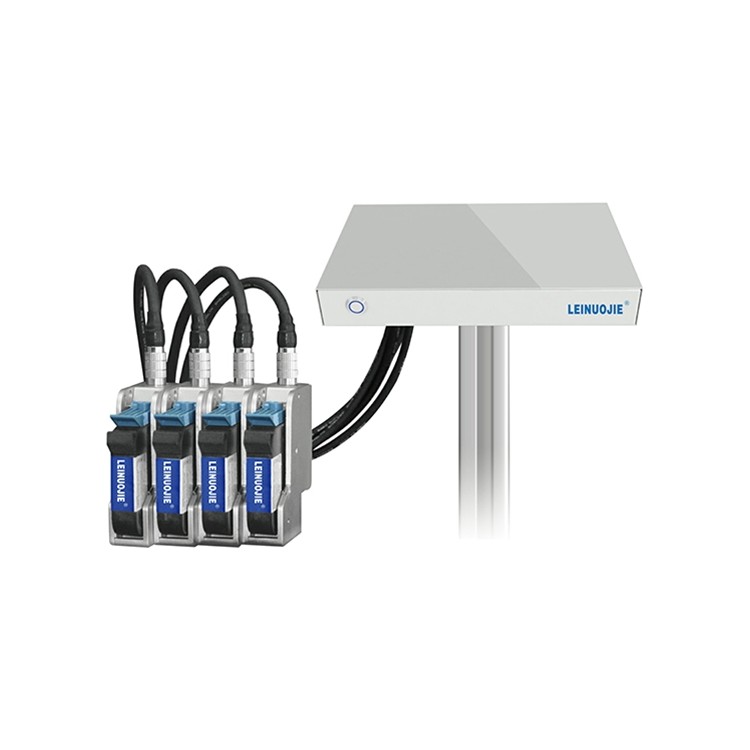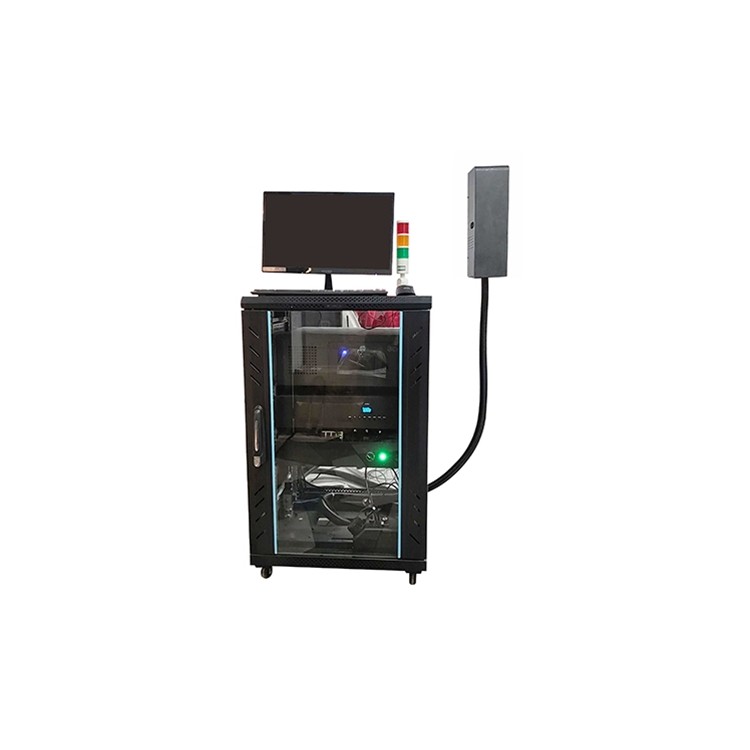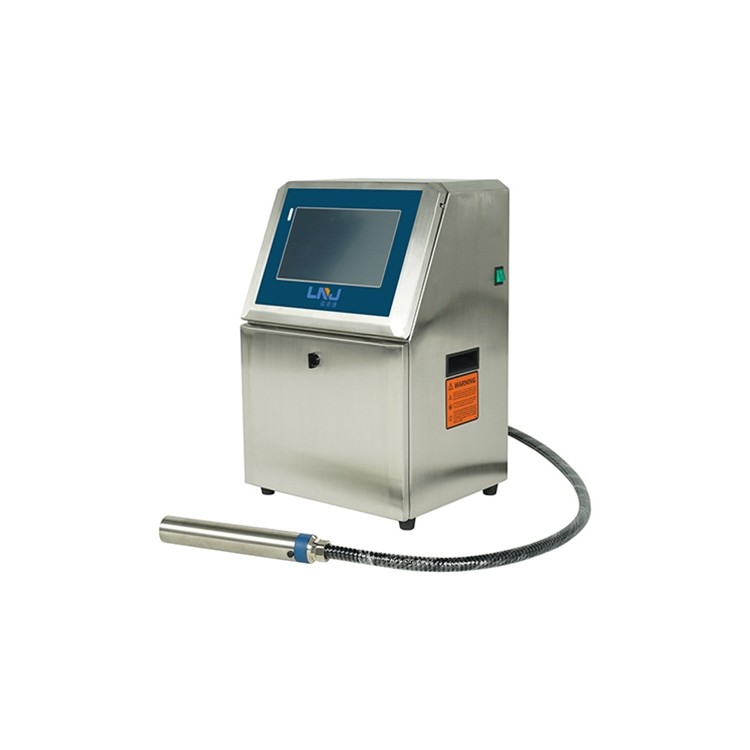
Mini-character Jet Printer, Large-character Jet Printer, ...

Ensure the inkjet printer is in proper working condition, including checking the ink level in the ink tank, verifying the distance between the nozzle and the item, and inspecting whether the voltage is normal.
Power on the coding machine, wait a few seconds for the nozzle to warm up, and then place the item to be marked in front of the nozzle.
Adjust the nozzle distance from the item for optimal printing results.
Press the start button on the inkjet coder to begin printing.
5. After printing is complete, move the nozzle to the next item.
Repeat the above steps until the printing task is complete.
During the printing process, be cautious to avoid the nozzle touching the surface of the item to prevent affecting the print quality.
When cleaning the nozzle, use a soft cloth and cleaning agent to avoid damaging the nozzle.
When not using the inkjet coder for an extended period, it is necessary to turn off the nozzle and the power switch to prevent ink from crystallizing and damaging the coder.

Company Name
Rayno捷 Identification Technology (Wuhan) Co., Ltd.

Service Hotline
13886020901
Company Phone
13886020901

Company Address
Wuhan Jinjinhu, Jinan 1st Road, Jinhu Tingyu T10, Xihu District
www.114global.com © Zhongshang 114 Hebei Network Technology Co., Ltd.Address: Room 6009, Oriental New World Center, No.118 East Zhongshan Road, Qiaoxi District, Shijiazhuang City, Hebei ProvincePlatform Service Hotline: 4006299930