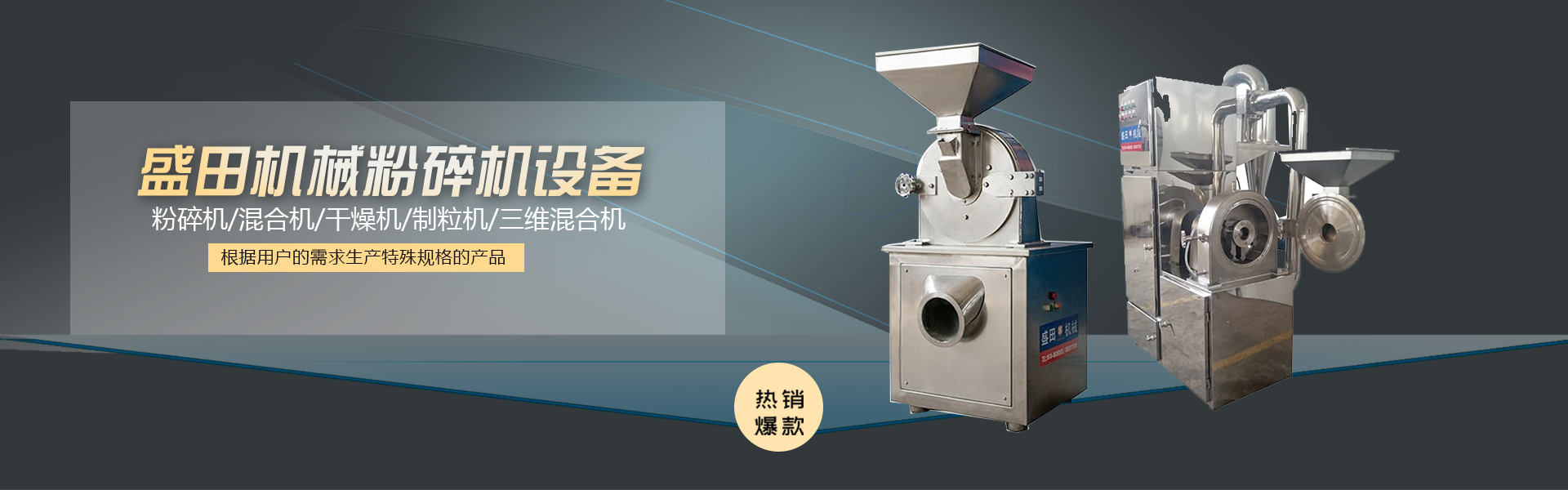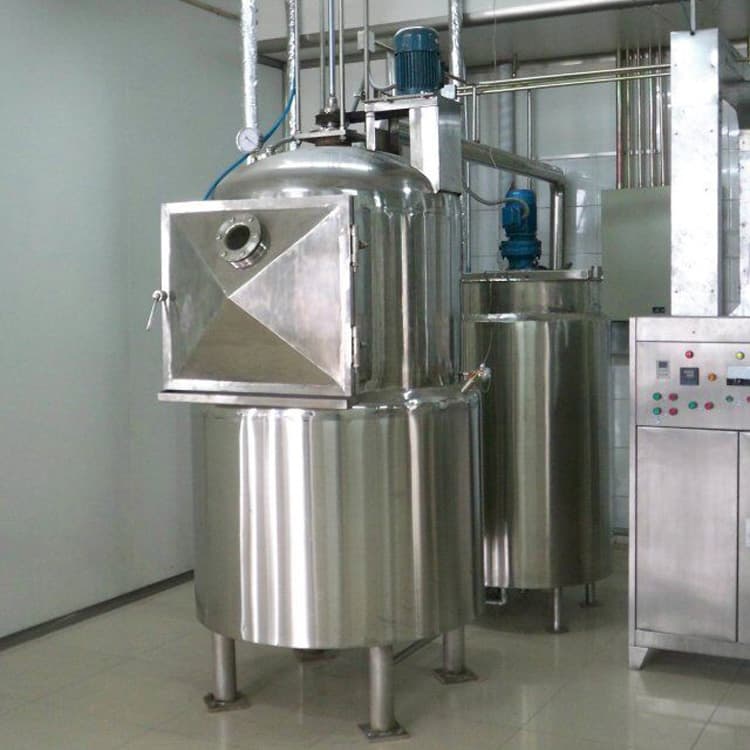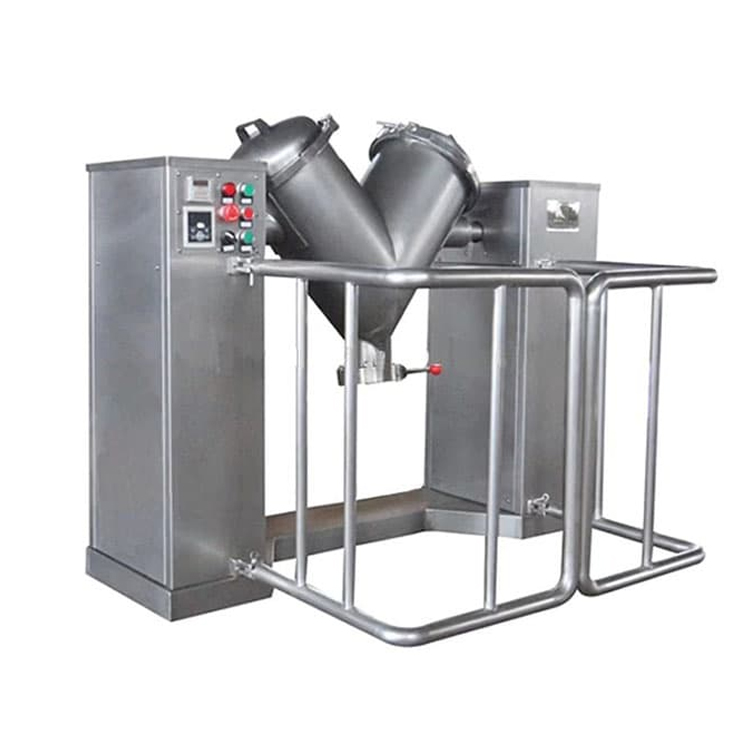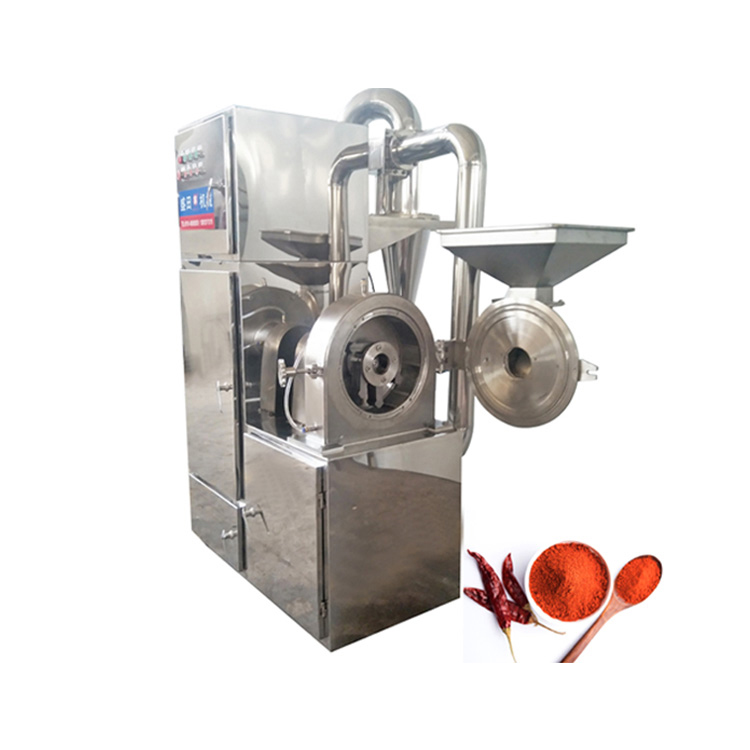
Ultra-fine Pulverizer, Double-Spiral Conical Blender, Thr...



Product Recommendation
After the vacuum degree is adjusted, the following operations can be performed:
Power on the vacuum cone rotatory vacuum dryer, at this point, the power indicator light should illuminate (for models 6090 and 6210, additional steps include turning on the temperature control instrument switch). The temperature control instrument powers up for self-check.
Temperature readings were taken within the PV screen display lab, while the SV screen displayed the set temperature at the time of shipment. The AT and HEAT lights on the temperature controller should be illuminated, indicating the instrument has entered the heating operation state.
Revise Set Temperature Settings
Press the function key (SET) on the temperature controller; after the PV screen displays the SP character, use the key head button to modify the set temperature (for models 6090 and 6210, separate for the 2nd and 3rd instruments).
No modifications to be made; similar applies.
After making the modifications, press the SET button. The PV screen will display the ST character and set the timing time. If the timing function is not to be used, keep ST=0.
Press the SET button again to display the workshop temperature on the PV screen and the new set temperature on the SV screen. The AT and HEAT lights on the gauge will illuminate, indicating that the gauge is now in the heating mode.
If the moisture level in the double-conical rotary vacuum drying machine within the workshop is high, the resulting steam can affect the performance of the vacuum pump. It is recommended to install a moisture trap between the double-conical rotary vacuum drying chamber and the vacuum pump.
Inserted a "Conical Rotating Vacuum Dryer/Filter." The company can customize a conical rotating vacuum dryer with an external diameter of Φ120×300mm and an interface diameter of Φ16 to meet specific requirements.
If nitrogen or other inert gases are required during the processing of items in a conical twin-rotor vacuum dryer, it should be specified in the contract and an additional inlet valve should be installed.
As the studio temperature approaches the set temperature, the HEAT light flickers on and off, indicating the heating enters the PID adjustment phase. Occasionally, the gauge measures the temperature above the set temperature.
Occasionally, temperatures below the set point are normal. After the measured temperature approaches or equals the set point, wait for 1 to 2 hours before the workshop reaches a constant temperature state.
Items enter the twin cone rotary vacuum dryer stage.
When the required temperature is lower, a secondary setting method can be used, such as setting the initial temperature to 60℃ for a required working temperature of 70℃, waiting for the temperature overshoot to begin and then drop.
Setting the temperature to 70°C can help reduce or even eliminate overshooting, allowing for a quicker transition to a stable, constant-temperature state.
Once the twin-conical vacuum drying machine completes its cycle, turn off the power. If an accelerated cooldown is required, open the exhaust valve to achieve a vacuum of 0. Wait for about 5 minutes before opening the chamber door.


www.114global.com © Zhongshang 114 Hebei Network Technology Co., Ltd.Address: Room 6009, Oriental New World Center, No.118 East Zhongshan Road, Qiaoxi District, Shijiazhuang City, Hebei ProvincePlatform Service Hotline: 4006299930